iPhone Videos - Brushes

Entries in digital art (9)

Wednesday
Jan142026

Robot Repair bay 2d to 3d 

I am dusting off a few more of my old robot drawings, in this case a few from when I was using SketchbookPro on an iPad mini, and showing my digital art fairly frequently. I brought the image into Vizcom with a simple prompt and a color refernce to re-imagine the scene. Once I was happy with the 2d model, I tried a few version of 3d conversions and exported and then pulled the main robot into Blender. 

Monday
Jan092017

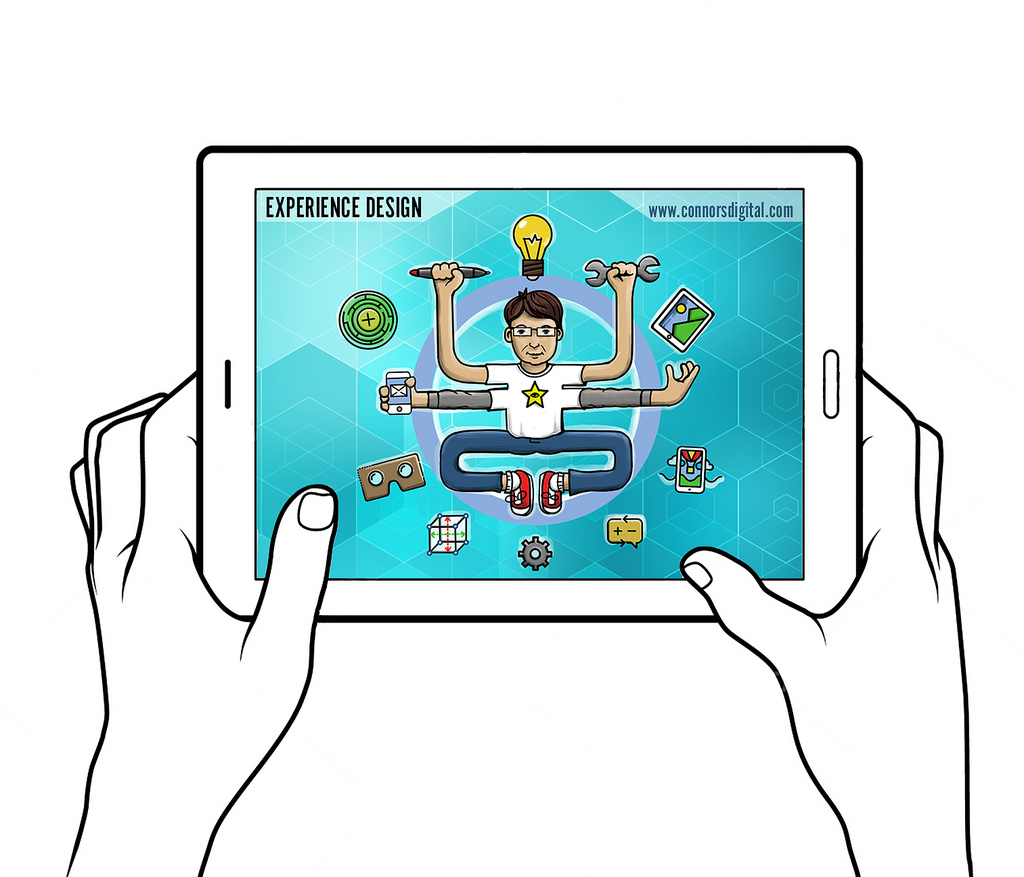
Mischief UX Self Portrait 2017

As a first step in an overhaul of my portfolio and website, I wanted to create a unified graphic that represents who I am as a designer- a little bit of history, but also a visual description about the areas where I am the strongest or have the greatest interest. Since the last few years have involved non-traditional interfaces and UX design- Kinect apps, Augmented, Virtual and Mixed Reality as well as touch interactive and 'traditional' digitial design for web and print, I decided my approach needed to be on the whimsical side to fit it all in...Though I needed to do a little bit of finishing in Photoshop, almost all of the linework and color was done in Mischief, which has really become my go-to application for drawing and quick sketches. 


Thursday
Jun112015

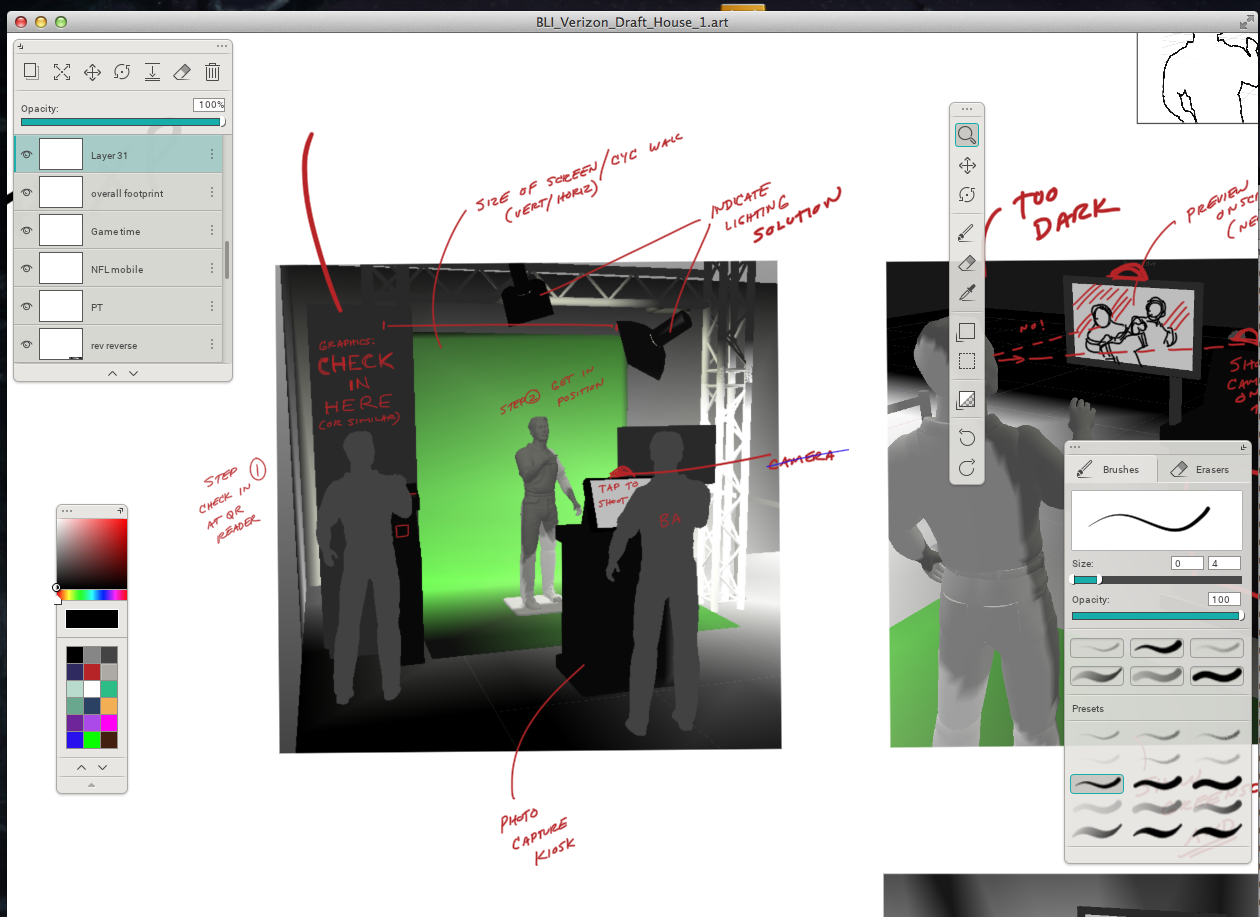
Mischief for Mac Desktop

Mischief is an app that I have been playing with lately; it's a very fast and
inexpensive drawingapplication that has an infinite canvas and is neither
vector or raster, but a hybrid. I have been using it for making annotations
on edits while working on UX and modeling concepts.
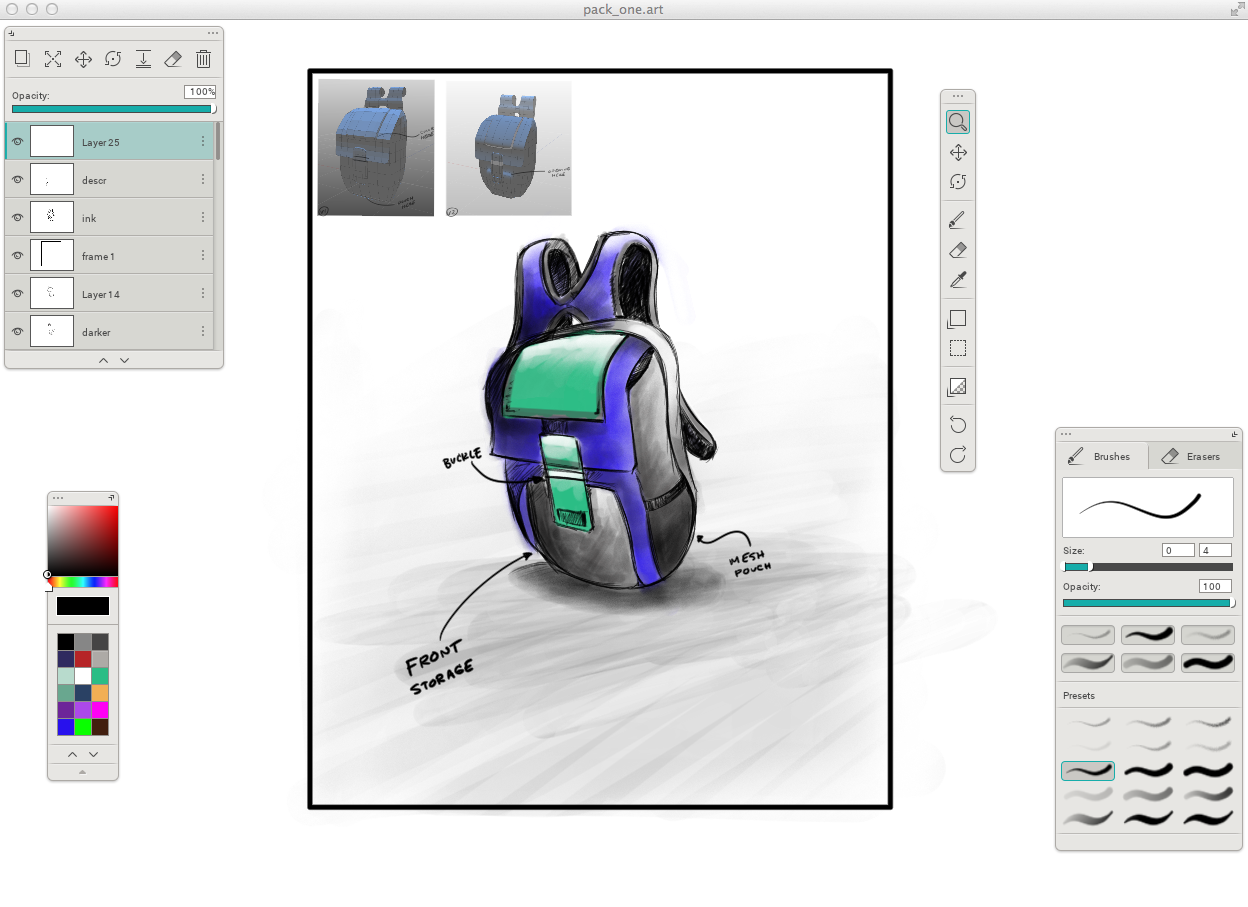
I've also started to use it on concepting; it's taking me some time to
appreciate its simplicity, mainly due to my reliance on Photoshop...
which is such a swiss army knife that you can get distracted or slowed
down by its features. 
Arguably you can use other apps for a similar purpose, but on a Cintiq,
 t’s very fluid for drawing; my hands seldom leave the screen/keys.
I have just started to experiment with using it for more robust drawing. 
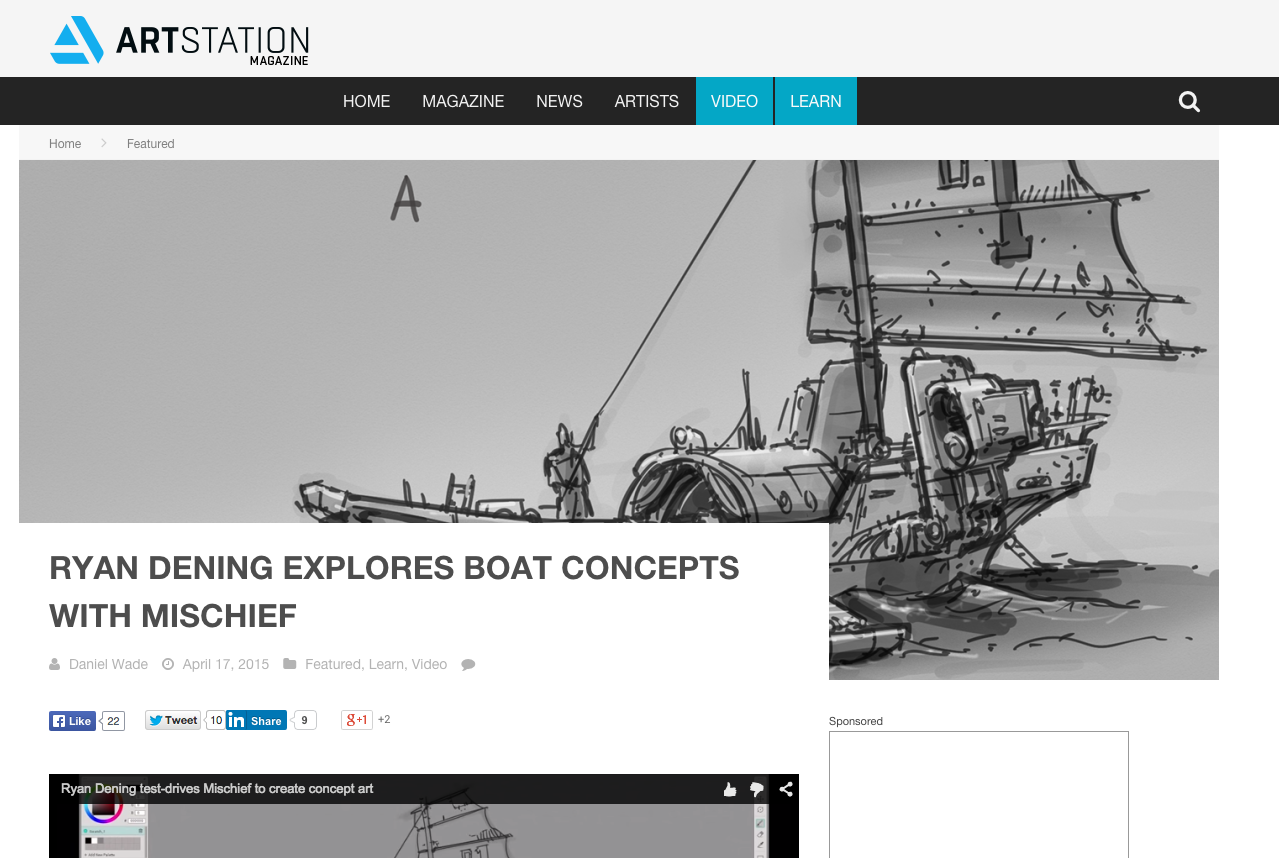
I came across this excellent video of illustrator Ryan Dening on Mischief
which makes it pretty clear that it's not a shortcut to talent, but a way
to keep from getting bogged down in deep software. Mischief is fairly
simple, clean, and elegant. 


Tuesday
Sep022014

Photoshop CS 2014 Blur Gallery

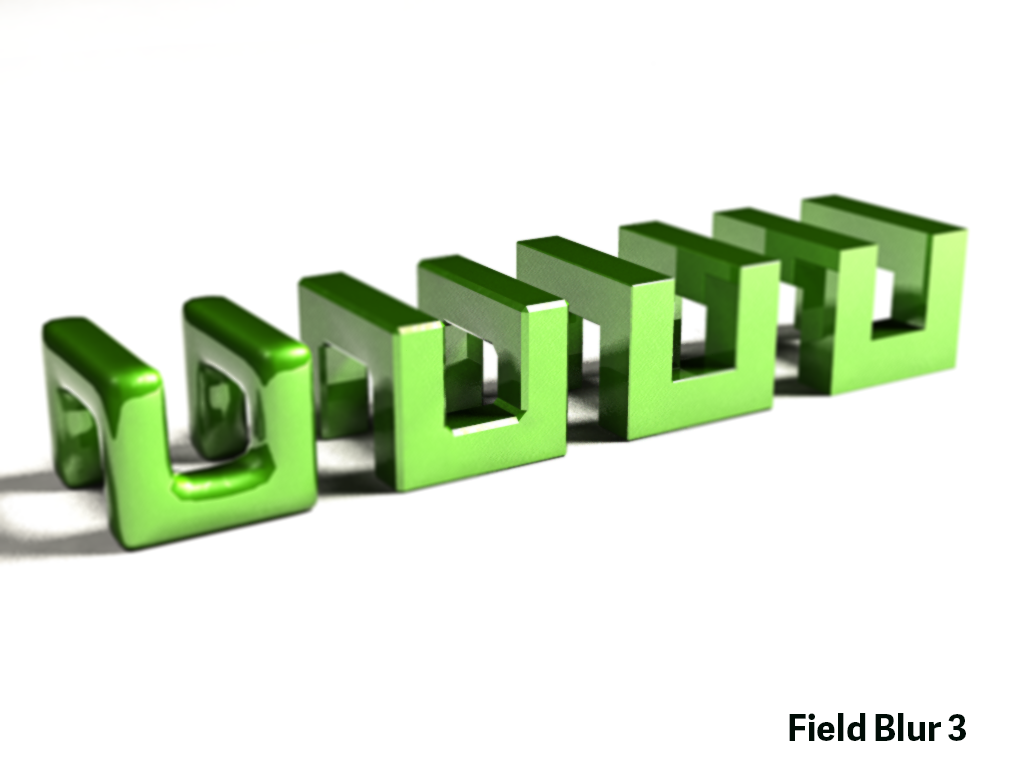
As I dive into using Photoshop CS 2014 in production on images and CG content, one of my favorite features is the Blur Gallery. I say that with full disclosure, aware that I dissed it when I first started using CS 2014. Why it's become such a staple is Field Blur, which simulates a depth of field effect in a very simple and effective way...my only mild gripe is that somethime you need to manually ease the edges of the primary point of focus. Below I used it on a quick bevel test of a 3d logo:


Thursday
Jan172013

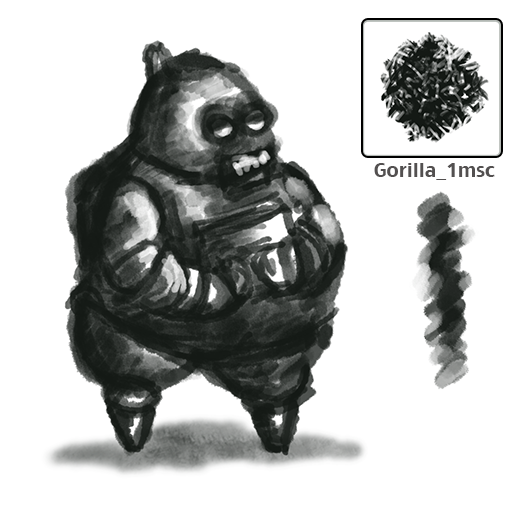
Photoshop Brush Noodling

I just can't seem to help myself, and started cooking up a new set of brushes for a few illustration ideas that seem to be coming to fruition. I know it's been done to death, but I will probably make a tutorial video and post it here, as I can't say how many times I have talked to talented retouchers or digital artists who don't know how to make custom PS brushes. It's so easy, and addictive!